



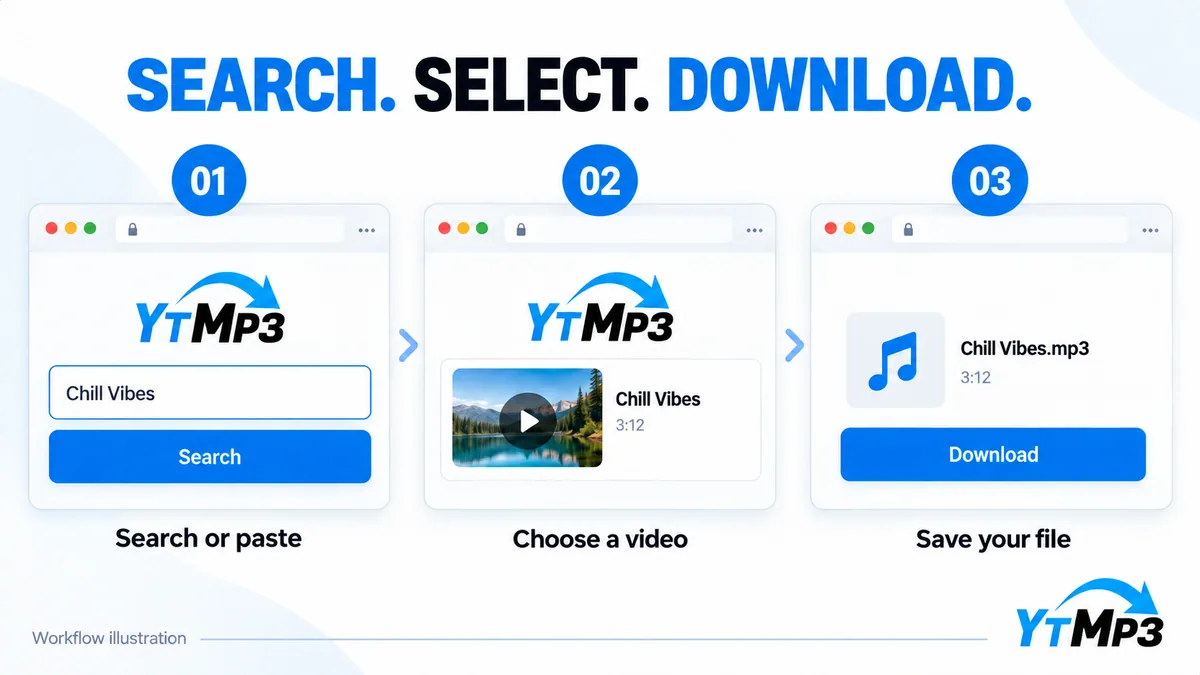
From a video link to a portable audio file
MP3 is a widely supported audio format for phones, computers, and many music players. It is useful when the soundtrack carries the material you need, such as your own recorded lesson, interview, or permitted performance. It does not preserve the moving image, comments, or captions supplied separately from the video.
Using the direct address of the correct upload reduces uncertainty. If you begin with search, compare the title and version before opening conversion. A result with similar wording may be a shortened clip, a cover, or another recording entirely.
Keep quality expectations realistic
The original recording sets the upper limit on what you can hear. A higher MP3 bitrate can use more storage, but it cannot recreate missing detail or remove every problem in the source. Choose among the available options according to your listening needs rather than assuming that the largest number always makes the best file.
When a download finishes, test a short section and confirm that the duration looks right. An interrupted transfer may leave an incomplete file. Check your network and free storage before trying again. Private, deleted, restricted, or unsupported videos may remain unavailable regardless of the device you use.
Keep a record of permission when you save licensed material, and do not treat public playback as authorization to copy. Return to Ytmp3 to search again, or read the MP3 bitrate comparison before choosing how to organize your audio library.