



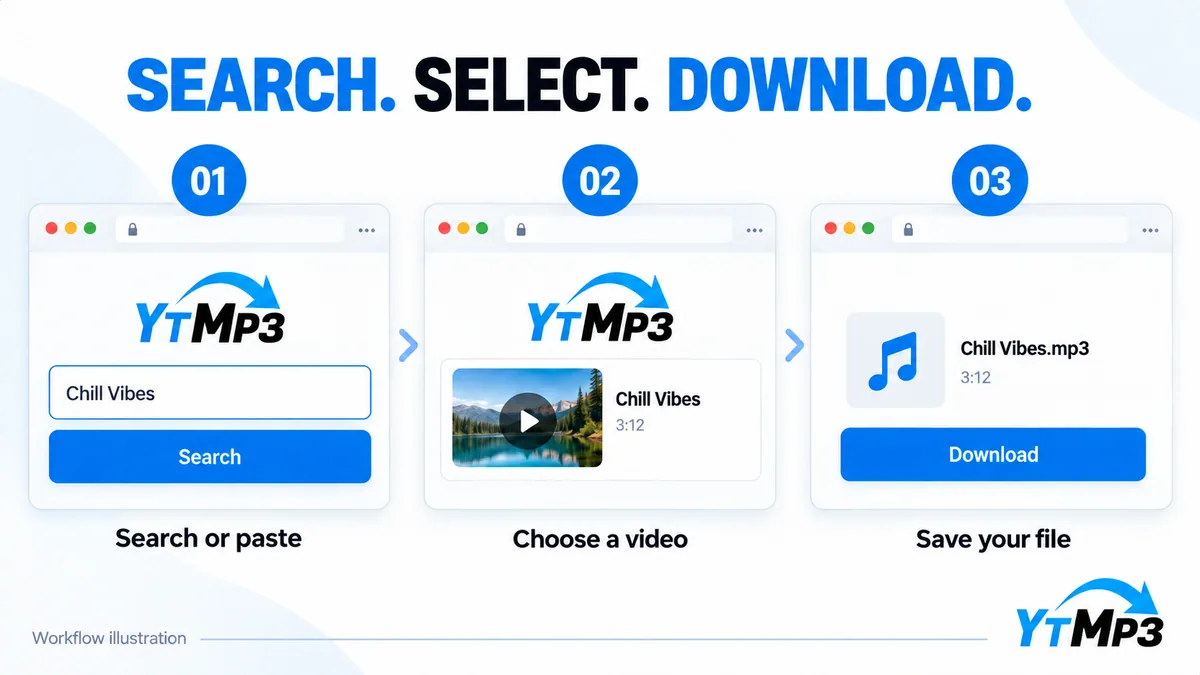
One entry point for two starting points
Sometimes you know exactly which video you want. In that case, a direct address is the shortest route to the conversion page. At other times you only remember an artist, title, or topic. Keyword search lets you compare the available results before choosing a source. The search form adapts its button label without changing the underlying download workflow.
The Trending list helps with discovery, but a chart title is not itself a final download. Open it to find a matching video, then select the version you intended. This avoids treating a similarly named upload as the only possible result.
Review the source and the output
Choose audio if the sound is what you need; choose an available video option if visual details matter. A source may not offer every format, and some links cannot be processed. Private, deleted, restricted, and unsupported videos may remain inaccessible. The downloader does not bypass source access controls.
After the file has transferred, check that it opens and that its duration makes sense. Store it with a clear name and enough context to identify the original recording later. If a request fails, confirm the link and connection before trying again rather than opening many duplicate conversions.
Use this YouTube Downloader through Ytmp3 for content you own or have permission to save. Do not share account passwords or install unrelated software to retrieve a recording. The download safety checklist explains useful checks before you keep a file.